Ark
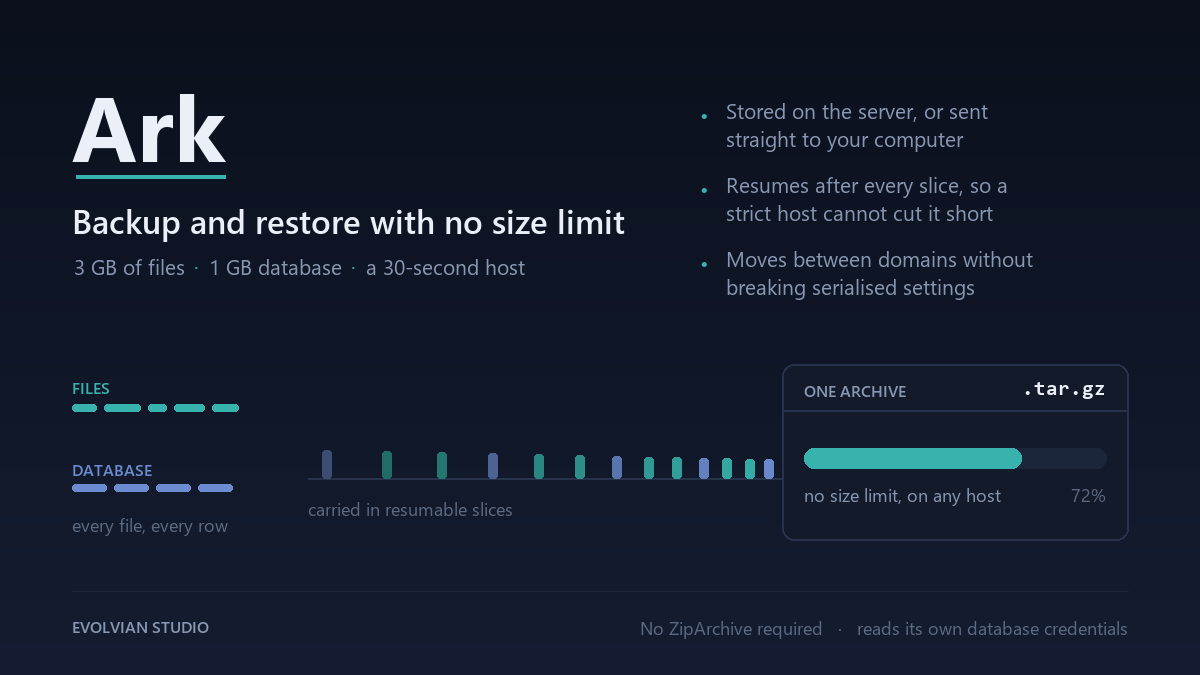
Backup and restore with no size limit. A 3 GB site with a 1 GB database finishes on hosting that stops a script after thirty seconds.
- No size limit — streamed, never buffered
- Resumable — survives a 30-second execution limit
- Reads its own database credentials; no mysqldump or shell access
- Works without the ZipArchive extension
- Save on the server, or download straight to your computer
- Live progress with named steps, not a spinner
- Full restore, equally resumable
- Serialisation-aware URL rewrite for moving between domains
- Upload an archive from another site to migrate
- Backups stored unguessable, denied at server level, and checked
- Downloads behind a capability check and a nonce
- Warns by name before restoring another site's backup
⚡ Instant download after payment · 🔒 Secure checkout by Razorpay
Most backup plugins have a size at which they quietly stop working. Ark does not
have one, because it never holds a backup in memory.
The archive is written as a stream: one megabyte of a file at a time, five hundred
rows of a table at a time, straight into a compressed tar. A four gigabyte site
costs the same memory as a four kilobyte one. That work is then cut into short
slices with the position saved after each one, so a job needing ten minutes runs
as forty fifteen-second requests instead of one request your host will kill.
No ZipArchive. Ark writes tar itself, in plain PHP, so it works on hosting where
the extension is missing. No mysqldump, no shell access, no database credentials
to type in — it reads its own.
TWO WAYS TO GET A BACKUP
Save it on the server. Resumable, no size limit, with a progress panel that names
the step it is on. Download it afterwards, or leave it where it is.
Send it straight to your computer. Nothing is stored on the server at all; the
archive is built into the download as it goes. Best for small and medium sites,
or hosting that allows long requests.
RESTORE, AND MOVING SITE
Restore reverses the same stream in the same resumable slices. Addresses are
corrected on the way in with a serialisation-aware search and replace, so widget
settings, page builder layouts and anything else stored as serialised PHP survive
the move to a new domain — a plain find-and-replace corrupts every one of them.
Upload a backup taken on another site and restore it here to migrate. The panel
tells you which site each archive came from before you press anything.
WHERE BACKUPS ARE KEPT
In a folder inside uploads whose name carries a per-site random string, with
server rules denying direct access, and a check that fetches the folder over HTTP
to confirm those rules actually took effect. A backup holds your entire database,
including every password hash on the site. It should never be reachable by URL,
and Ark tells you plainly if it is.
Downloads go through WordPress behind a capability check and a nonce, never a
direct file URL.